Made with Voilà
Style
Minimal
Paper
Funky
+ logoYours
Color
 Voilà Charts
Download free trial
Voilà Charts
Download free trial
You bring the numbers. Voilà makes the chart.
No spreadsheet, no formatting, no design skills.
10 charts freeOne payment, oncemacOS 14 or later
A link, a screenshot, cells copied from a web page or a spreadsheet, a CSV or text file. Whatever holds the table.
The link to a page with a table. Or the table itself: cells, a file, a screenshot.
Into Voilà, with ⌘V. It reads the table and picks the chart that suits the data.
A finished chart. One click copies it as you see it, for a post, a chat or a slide.
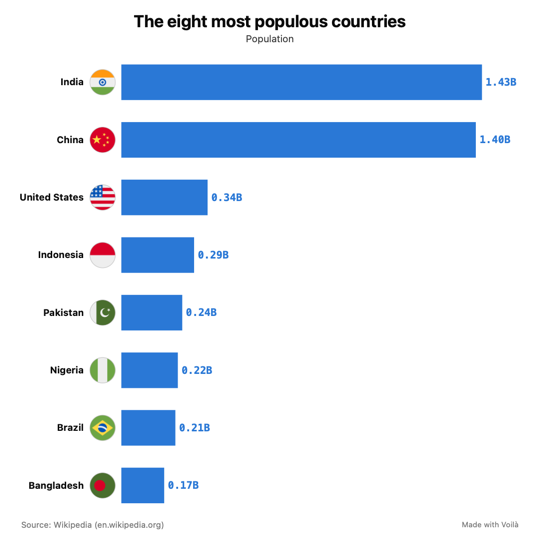
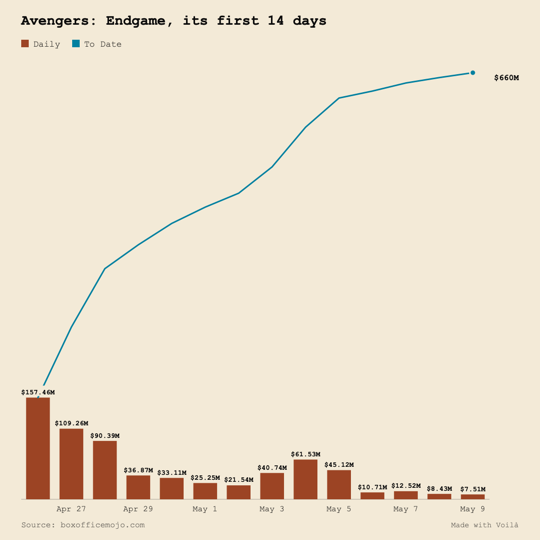
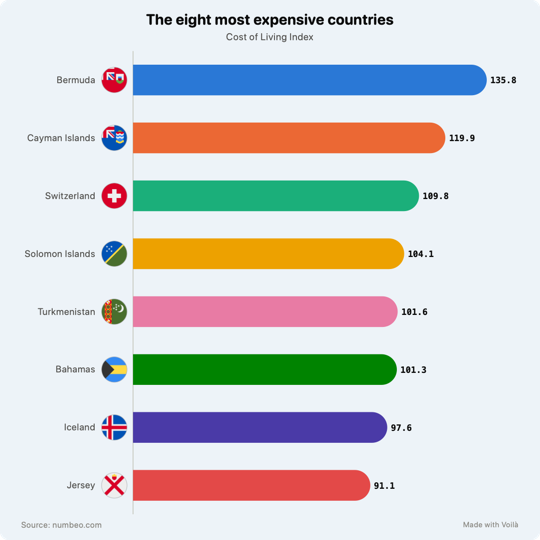
Bars or a line, which column, how many rows, where the labels go. The questions you would have to look up are answered before you ask. You start from a finished chart.
A bar, a line, a name, a label, an axis. Each opens only what can be changed about it: color, line or bars, labels, units. Mix bars and lines and the second axis comes by itself.
Add a second link and both land on one chart. Two series over different dates are lined up from their first day.
Add your logo and pick one of five palettes built on its color. Every new chart starts in your colors, with your logo in the corner.
No time limit. No account.
macOS 14 Sonoma or later
A lifetime license. No subscription.
$19.99 after the first 100 licenses
Tables on web pages, from a link or copied from the page. CSV, Excel and text files. Google Sheets shared by link. Cells copied from a spreadsheet or from a table on a page. Screenshots of tables. It does not read charts that are pictures.
Bars, lines and pies, plus combo charts: bars with lines over them, with a second axis when the units differ. On purpose, nothing more exotic.
About ten seconds for a link to a large page, most of it spent loading the page. A pasted table or a file is there at once.
Yes, we would like that. In Voilà, choose Export, then "Submit to the Gallery". It opens an email with your chart attached and a line for your name. The ones we like go on this page, signed.
As many charts as you like. Your logo at full strength on every chart: without a license it shows dimmed. And the small "Made with Voilà" line becomes yours to reword or remove. Everything else works the same during the free charts.
New charts need a license key. The charts you already saved still open, and you can still change and export them. Only charts that work count: a page that cannot be read costs nothing. One paste is one chart, however much you change it afterwards.
Nowhere. Pages are opened from your Mac and tables are read on your Mac. There is no account, and nothing you chart is ever sent. Two things do leave your Mac: an anonymous count when a trial starts and when its last free chart is made (no identifier, nothing about your data), and the license check with our payment provider when you enter a key, then about once a month.